Latest Post


2020 Top business ideas with low investment


2020 Top business ideas with low investment


Starting a business can seem like a mountain of a task. But the amount of time, money, and risk involved all depends on the business idea you chase. Low investment business ideas make a great entry point for beginners. You still need to come up with a business idea, build a brand, marketing service and customer service. But you can bypass many traditional startup costs, warehousing, inventory and retail space.

Here are low investment business ideas that will help you grow in a small town.


1) Food trucks

2020 Top business ideas with low investment

Food trucks are not an entirely alien concept to a small town. Food truck allows it to place, itself at different locations at an ideal time. A food truck can park outside a school, and outside an office. Food trucks are a perfect small budget business.

2) Preschools


2020 Top business ideas with low investment


Preschools can be opened in small domestic spaces. You can open the preschool but you have to invest small capital. Owning a preschool is a huge responsibility and required for the children.

3) Selling Icecream 


2020 Top business ideas with low investment

Ice cream never goes out of demand. Selling Icecream work great around cinema-theatres or popular food joints.

4) Tourism


2020 Top business ideas with low investment

Though this option is highly dependent on the location of the small town, have enough character to attract tourists, especially old cities. In this business, you have to be a profitable low investment, but involves high stakes in terms of time and knowledge.
5) Translator


2020 Top business ideas with low investment

Speak a foreign language? Start translation service. Consider specializing in a specific genre of translation, like medical or financial translation, as you might be able to fill in your community.

6) Garden Designer


2020 Top business ideas with low investment

Many people have the willingness to do the dirty work in their backyards, but few have the know-how to design a garden space, to begin with. Draw up the designs for your customer's garden spaces.

7) Photographer

2020 Top business ideas with low investment


Start by conducting a photo shoot for your family and friends. The photography business is never out of demand. Are you talented in this business? Then, you have to build up your talent in this business. You have to think about various ways in this business. Example: create a Facebook page where you can tag recent clients and build up in this business.

8) Beauty Salon


2020 Top business ideas with low investment


You could go to cosmetology school and pay for an expensive chair at a salon,
or you could offer specialized styling and makeup services right to your client's door.


There are so many Screen Recorders. But how we find a better Screen Recorder.BSR Screen Recorder best solution. Let's See Why you need to use the BSR Screen Recorder.Common Answer is it's has a more feature with a good user interface.BSR captures anything you see on the screen as video+audio and pictures. Records video to AVI, SWF, WMV, EXE formats. Any portion of the screen can be selected for recording. Records audio from microphone, speakers (what you hear), CD Audio, MIDI etc. into the video. Includes everything you will need in a screen recorder. Plus includes Movie Lab and Studio: Cut portions from video, add sound, join & split videos, change their speed, compression etc.

Features :

* Wide range of speed configuration.
* Auto configuration of the playback speed.
* Size configuration for zoom-in, zoom-out
* Mouse cursor recording
* Custom mouse cursor selection
* Records mouse click displays and highlights
* Keystroke display recording
* Mouse and keystroke sounds recording
* Display date and time on your video
* Change compression options such as quality, keyframe rate etc.
* Audio quality settings
* Subtitle text settings
* DivX and Xvid compatible
* Hotkeys for 'Record', 'Stop', 'Pause' and 'Take Picture'.
* Multi File Recording Function
* Adviser for Video File Size
* Manual recording
* Handycam function (Auto-Pan)
* Can work completely invisible
* Runs in a tray or at the corner.
* Display of file size during recording
* File size limit feature
* You can set it to start and stop recording at a certain time
* Interleave option for audio
* Additional functions for audio synchronization
* Video and picture capture mode settings
* Has Photo and Movie Studio
* Add/Mix Audio Into Video File
* Cut Portions From Video
* Export Pictures From Video
* Extract Sound From Video to Wav File
* Merge Videos
* Pictures To Video
* Audio Synchronization

* Resample Video


today we are going to teach you how to use Canva. to make your dream designs. Canva is a simplified graphic-design tool, founded in 2012. It uses a drag-and-drop format and provides access to photographs, vector images, graphics, and fonts. It is used by non-designers as well as professionals tools can be used for both web and print media design and graphics.


1) First, go to the Canva Home Page.


2) Then Click  Sign Up with Google Button.


3) Now, Type Your Email and Password to Sign Up.


4) Now We Complete Our registration. This is your Dashboard. There are Many Designs          You can edit. Like Youtube Channel Art  Designs, facebook cover design and much              more.........


5) Check Below Video  to More Information


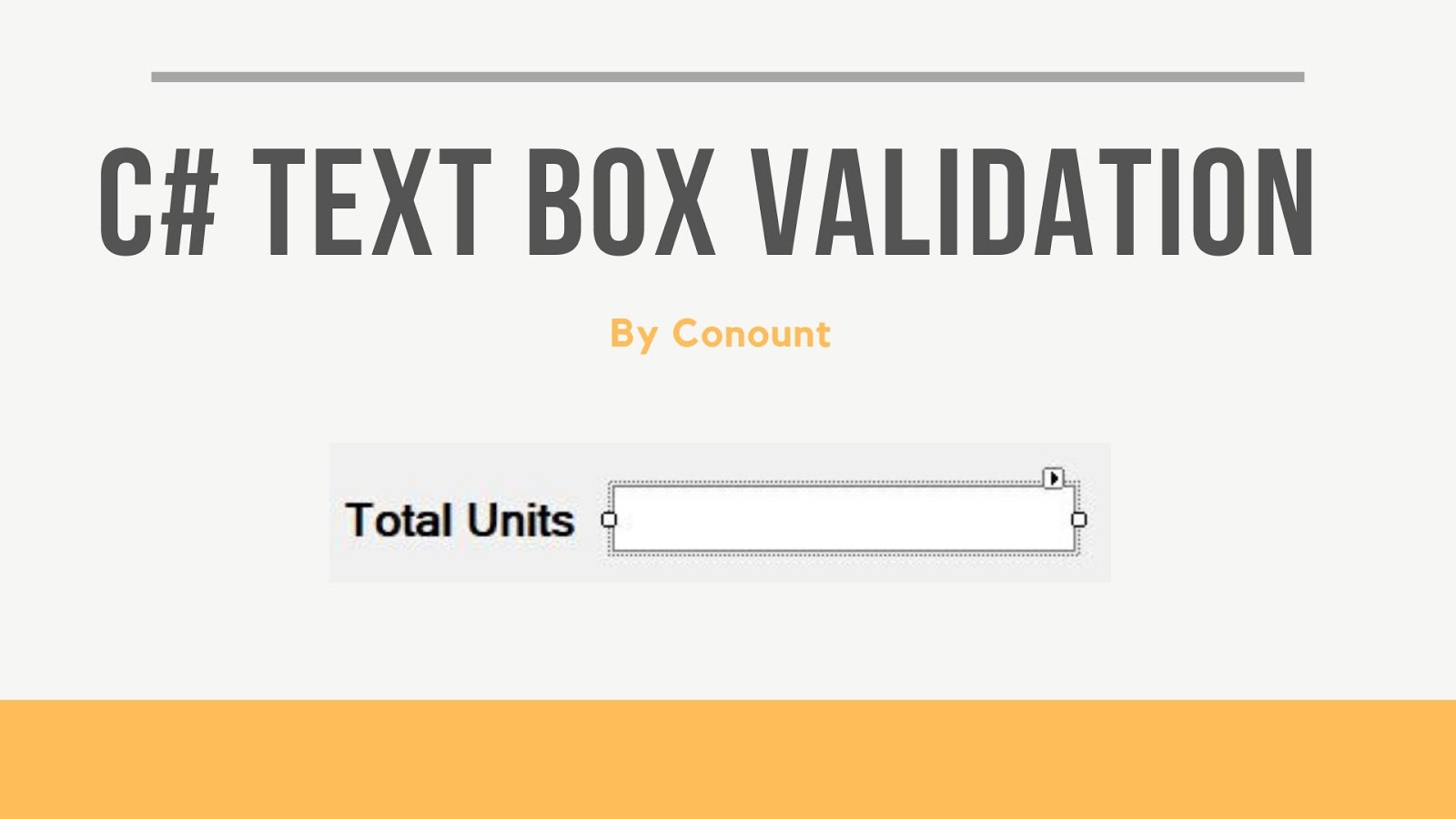
Today we will see how to make a textbox that only accepts numbers or only characters in C#.Use this Validation in TextBox KeyPress Event.


After applying this below code .you can type only words in the Text box. you can't type Numbers and Other symbols in that Text box

            if(!char.IsControl(e.KeyChar) && !char.IsLetter(e.KeyChar))

            {

                e.Handled = true;

            }

           
After applying this below code .you can type only Numbers in the Textbox. you can't type Words and Other symbols in that textbox

            if (!char.IsControl(e.KeyChar) && !char.IsDigit(e.KeyChar))

            {

                e.Handled = true;

            }
       

After applying this below code .you can type  Numbers and Words in the Textbox. you can't type Other symbols in that textbox.
 
            // allow digit + char + white space

            if (!char.IsControl(e.KeyChar) && !char.IsLetterOrDigit(e.KeyChar) && !char.IsWhiteSpace(e.KeyChar))

            {

                e.Handled = true;

            }


This is our Very first  C# Lesson. In this lesson, Today We going to discuss how to search  data from datatable using a textbox and display it into datagridview in C#?. before doing this you need setup all thing ! Like adding data and deleting data, updating data Etc. this is a common Methord !!


1) Select Your TextBox And  goto the Event Section in the Property Window


2) Dubble Click the TextChanged Row


3 )  Copy the Below Code to your  Project


private void textBox11_TextChanged_1(object sender, EventArgs e)
        {

            (dataGridView1.DataSource as DataTable).DefaultView.RowFilter = string.Format("PurchaseID LIKE '%{0}%'", textBox11.Text); 
        }


4)  Then  Change  Clour Ares
  •    Your datagridview  Name dataGridView1
  •    Your Database Column Name   PurchaseID
  •     Your Textbox Name   Textbox11

5)  Now Click Save Button


Protecting a web page not easy thing. We found a perfect 100% working javaScript code to hide your page.you can use this method to your web page or your blog (Wordpress And blogger )this is not an advance code to hide .this is just a code that asking a password and show your hide web page .! We call this method  password protect a web site method or website password method . Let's see  how to do that 


<SCRIPT>

function passWord() {

var testV = 1;

var pass1 = prompt('Please Type Your Password',' ');

while (testV < 3) {

if (!pass1)

history.go(-1);

if (pass1.toLowerCase() == "Your password") {

alert('You Got it Right!');

window.open('your hide page link');

break;

}

testV+=1;

var pass1 =

prompt('Your Password is Incorrect, Please Try Again.','Password');

}

if (pass1.toLowerCase()!="password" & testV ==3)

history.go(-1);

return " ";

}

</SCRIPT>

<CENTER>

<FORM>

<input type="button" value="See hide Page" onClick="passWord()">

</FORM>

</CENTER>


This Colour Represent Message Box Tex 

This Colour Represent  Your Password 

This Colour Represent your hide page link

This Colour Represent button Text


Above colours fonts, you can change in the code


MKRdezign

Contact Form

Name

Email *

Message *

Powered by Blogger.
Javascript DisablePlease Enable Javascript To See All Widget